Configure inventory fields
Administrators open Configure → Inventory to define fields used across inventory forms, tables, and filters. Choose a primary identifier that identifies an item reliably. Additional fields describe the data needed for searching and reporting.
For stents, fields might include manufacturer, size, length, and expiry date. Validate existing data before promoting a field to an identifier: duplicates can prevent the change. The interface can report a long-running uniqueness check by email.
After changing fields, verify item entry and filtering, then update any connected software that reads or writes them through the API.
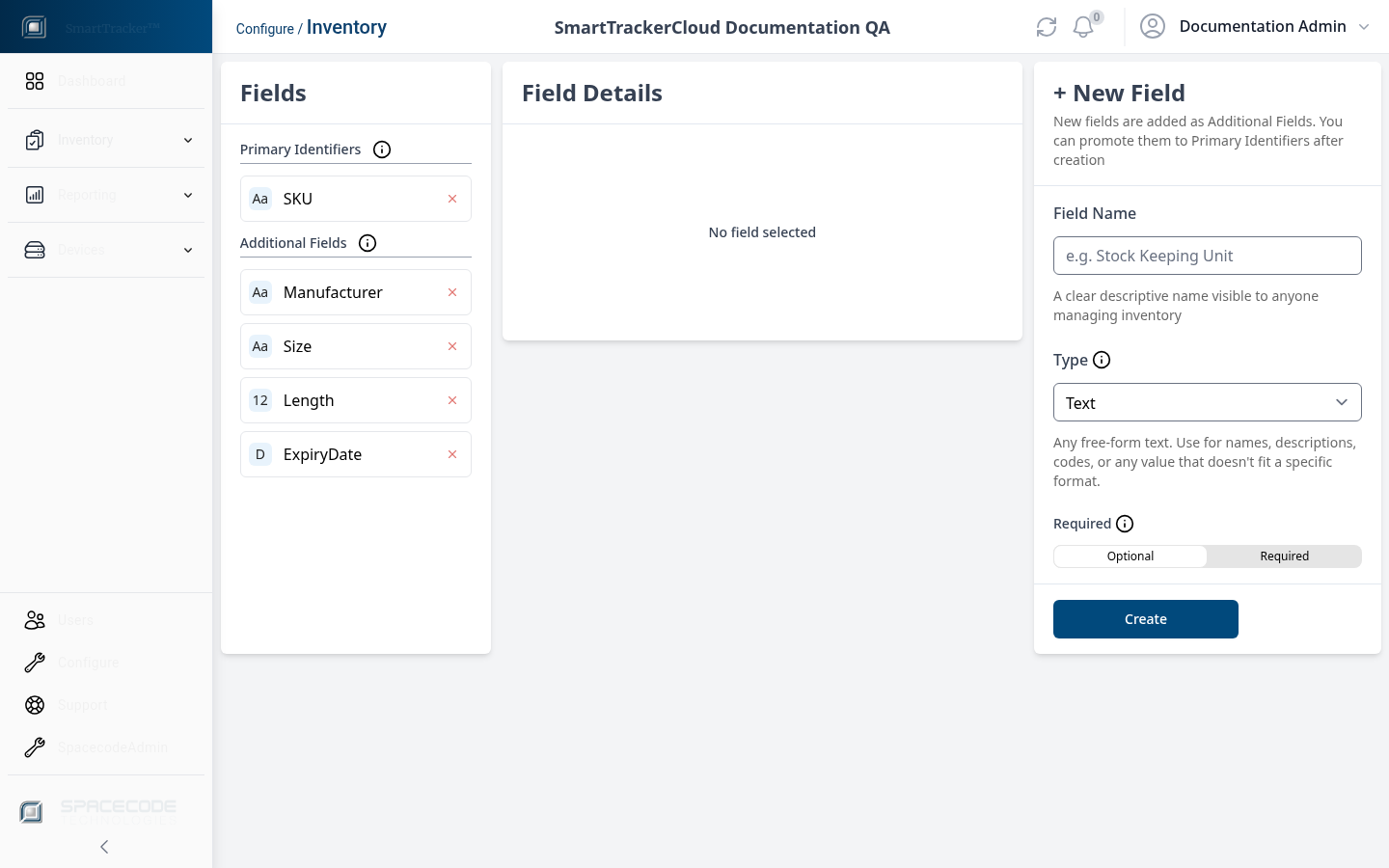
A primary SKU and additional healthcare example fields.