View and find items
Open Inventory → View. The table shows inventory records and their configured fields. Use filters to narrow results, sort a column, and show or hide columns. Open an item to inspect details, including its RFID association and available stock information.
Fields depend on your company's configuration. A healthcare team may filter on manufacturer, size, length, or expiry date if configured. A jewelry team may use SKU and product attributes. An item record alone does not prove that a device currently detects its tag; consult the latest device snapshot when physical presence matters.
Authorized users can add items, upload inventory data, and export table data using the controls shown on the page.
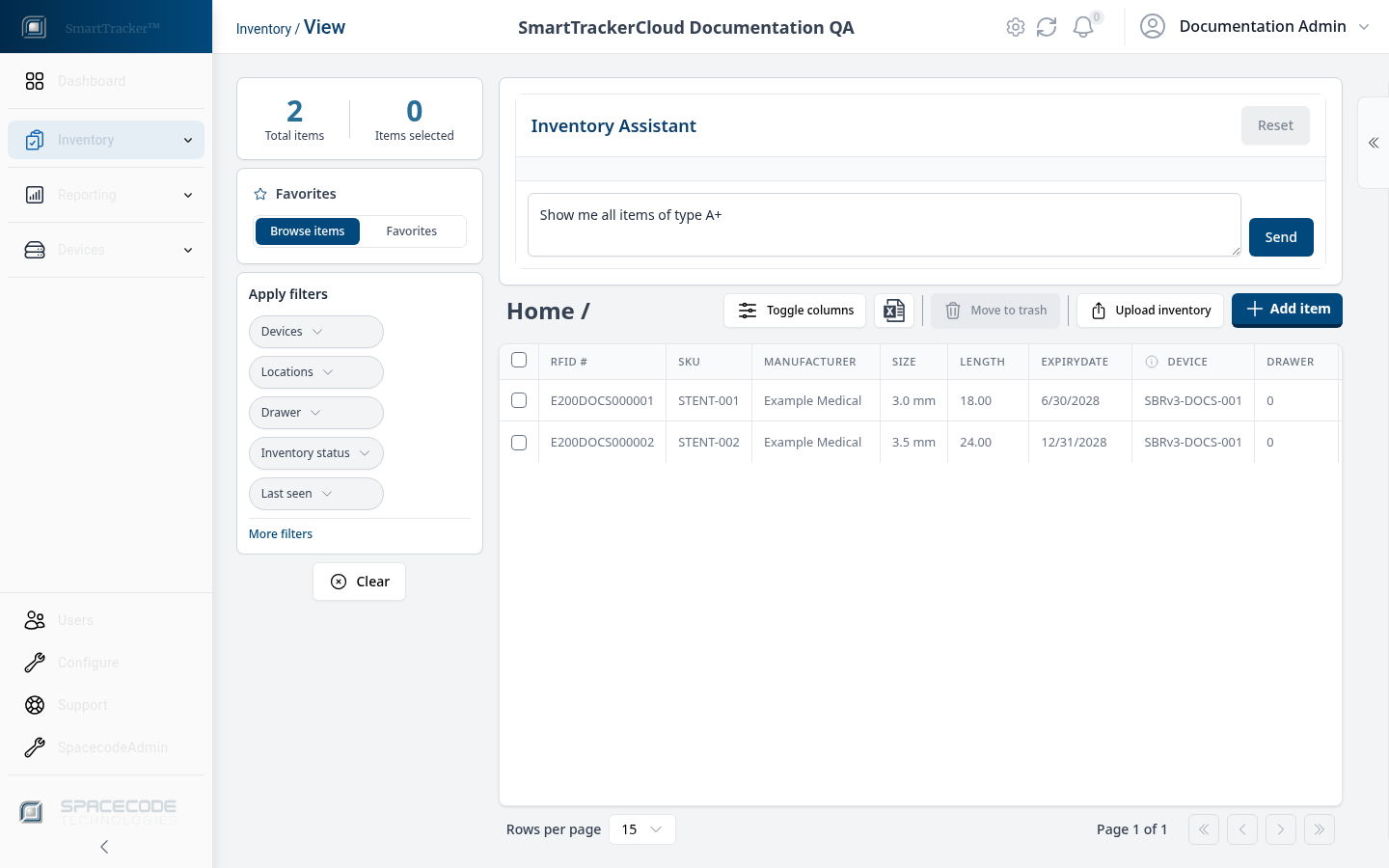
Inventory view in the isolated documentation QA installation.