Reporting and accounts
Reporting includes action history, inventory views, and date alerts when the corresponding license is enabled. Use action history to review inventory and device activity. Inventory reporting shows stock and thresholds. Date alerts can support date-based workflows, such as expiry review, after the rules are configured.
Administrators manage users and device settings through Users and Configure → Devices. Roles and licenses control which pages and actions appear. API keys are managed from the user's profile and belong in a server-side integration, not public browser code.
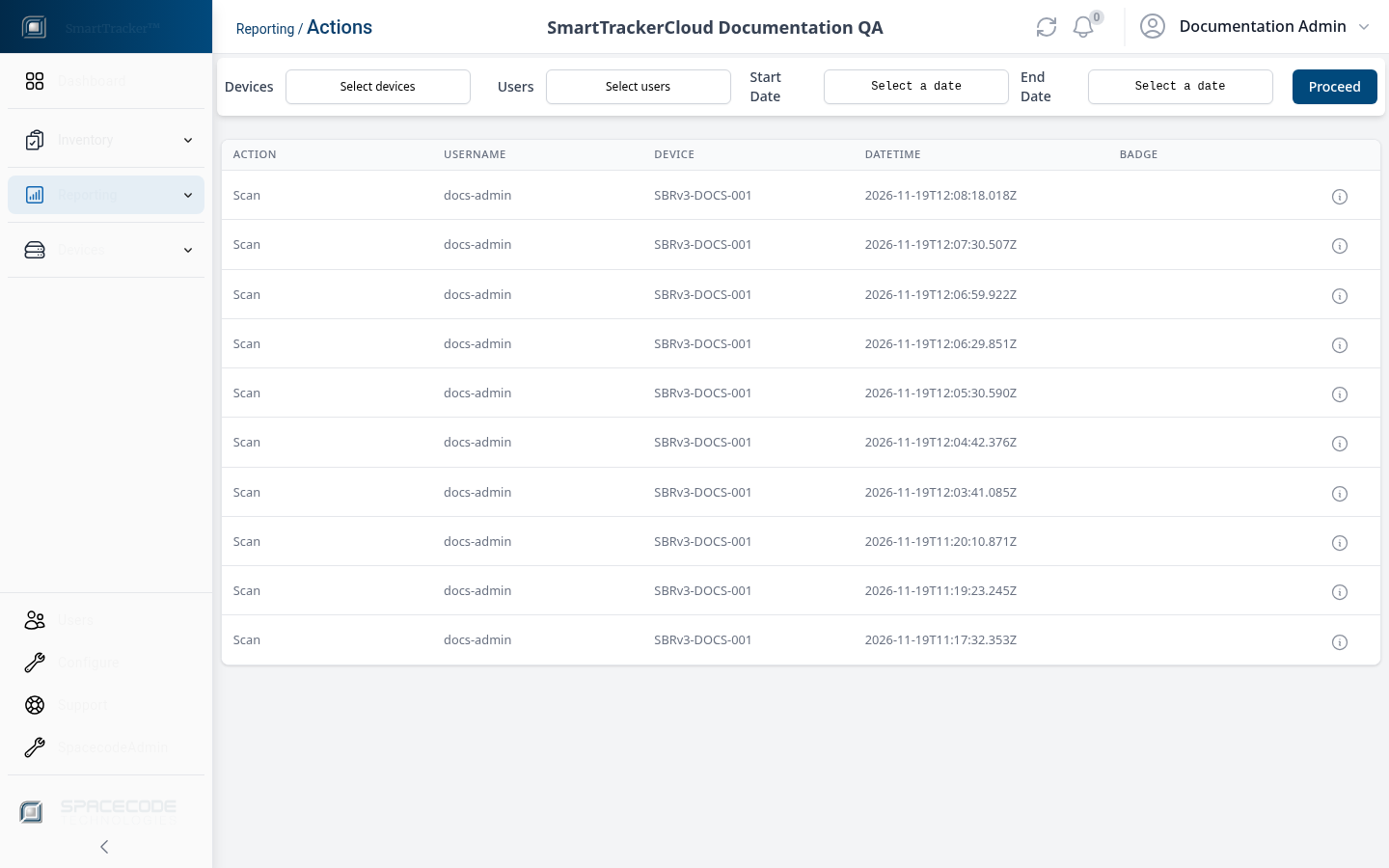
Action reporting page before synthetic actions are recorded.