Associate RFID tags
Open Inventory → Associate to link physical tags with inventory records. Select a processing device, run a scan, and review the detected tags. Stage an existing item or prepare a new item, then confirm the association. The page uses a queue so several items can be prepared before submission.
Compare every detected tag with the physical item and intended record. Wait for scan completion before confirming. If the expected tag is missing, refresh or rescan. Investigate a tag already linked elsewhere before reuse.
A scan requires a connected device belonging to the signed-in user's company.
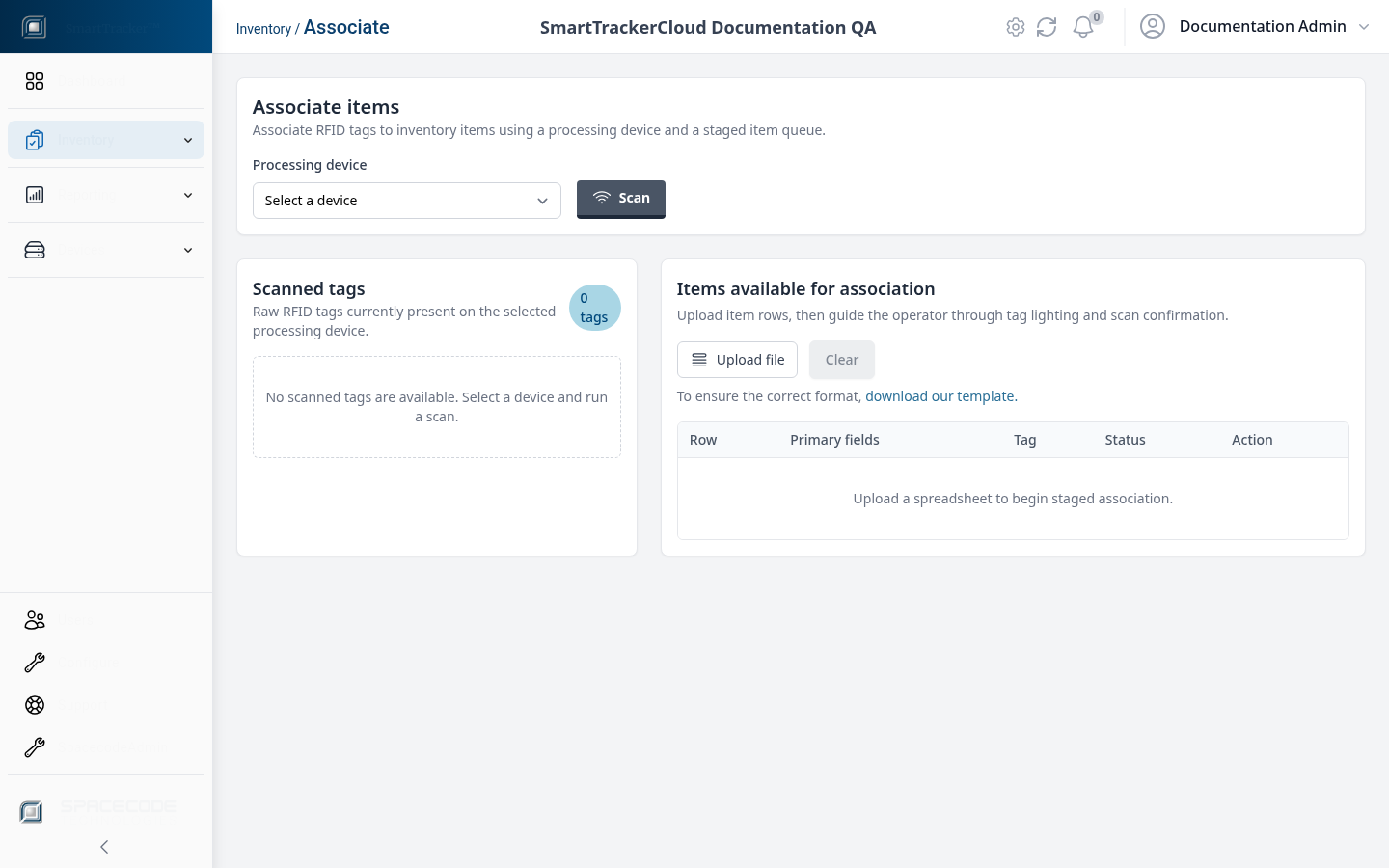
Association page before selecting a processing device.