Select items with pick-to-light
Open Inventory → Select. Find the required item, add it to a selection, and choose the applicable device or location. Start the process and follow the light indication on compatible hardware. Confirm the physical item before removing it. Authorized users can update or cancel a selection.
Selection depends on RFID association and device capabilities. If no light appears, check device connectivity, the item's latest stock state, and the targeted device. Refresh a stale count before relying on it for a pick.
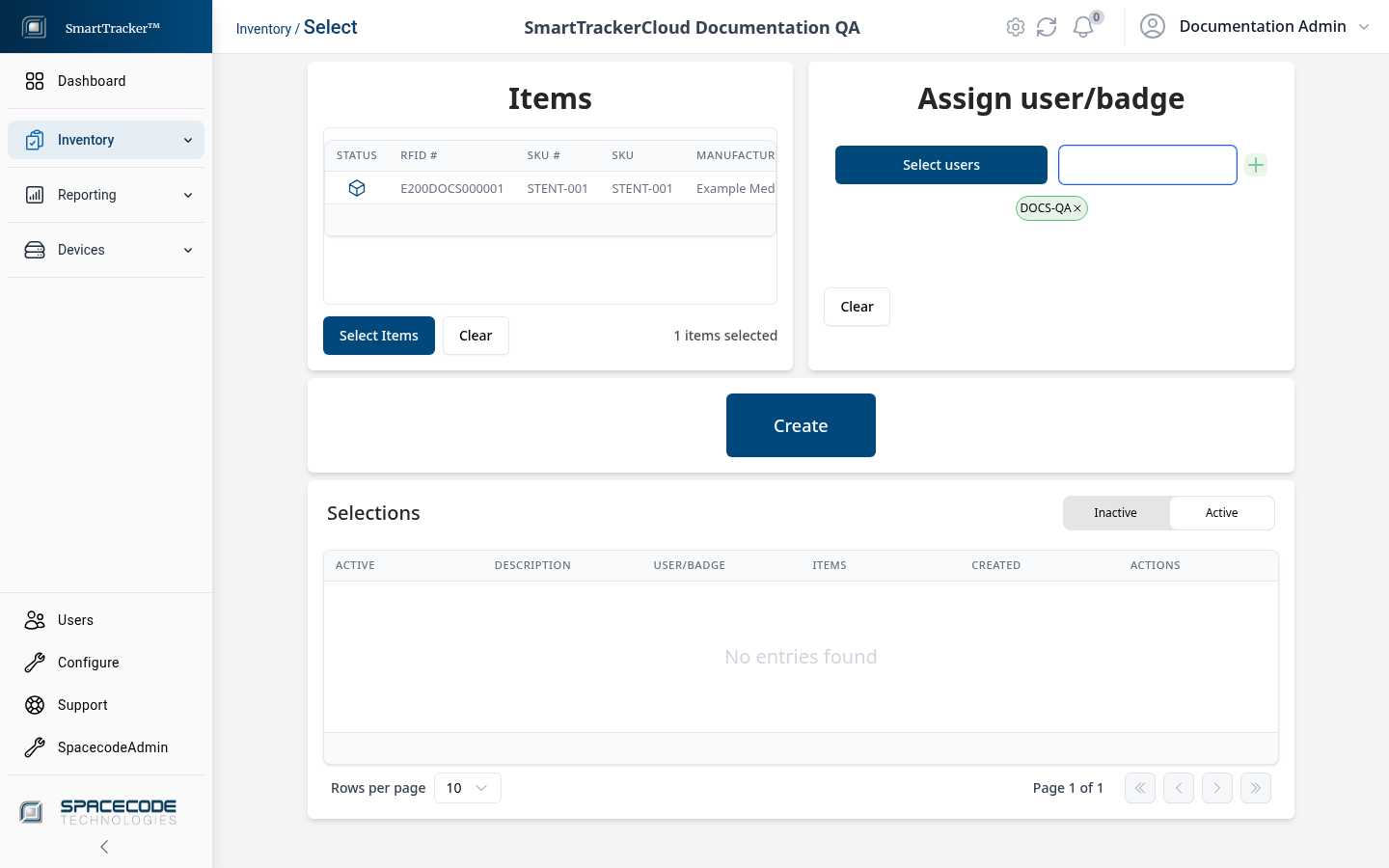
A synthetic stent and badge staged for a selection.