Devices and stock counts
Open Devices to inspect registered equipment, connection status, locations, and stock counts. Storage and processing views organize devices by their role. A connected device can be asked to scan; the resulting snapshot and history show tags or associated items detected at scan time.
Scans are asynchronous. An accepted request means the backend started the action; wait for the resulting history or refreshed snapshot. A disconnected device cannot complete a new scan until it reconnects.
Installations can include SC Board, SC Box, SC Drawer, SmartPads, and other cabinets. Hardware and lighting behavior vary by model.
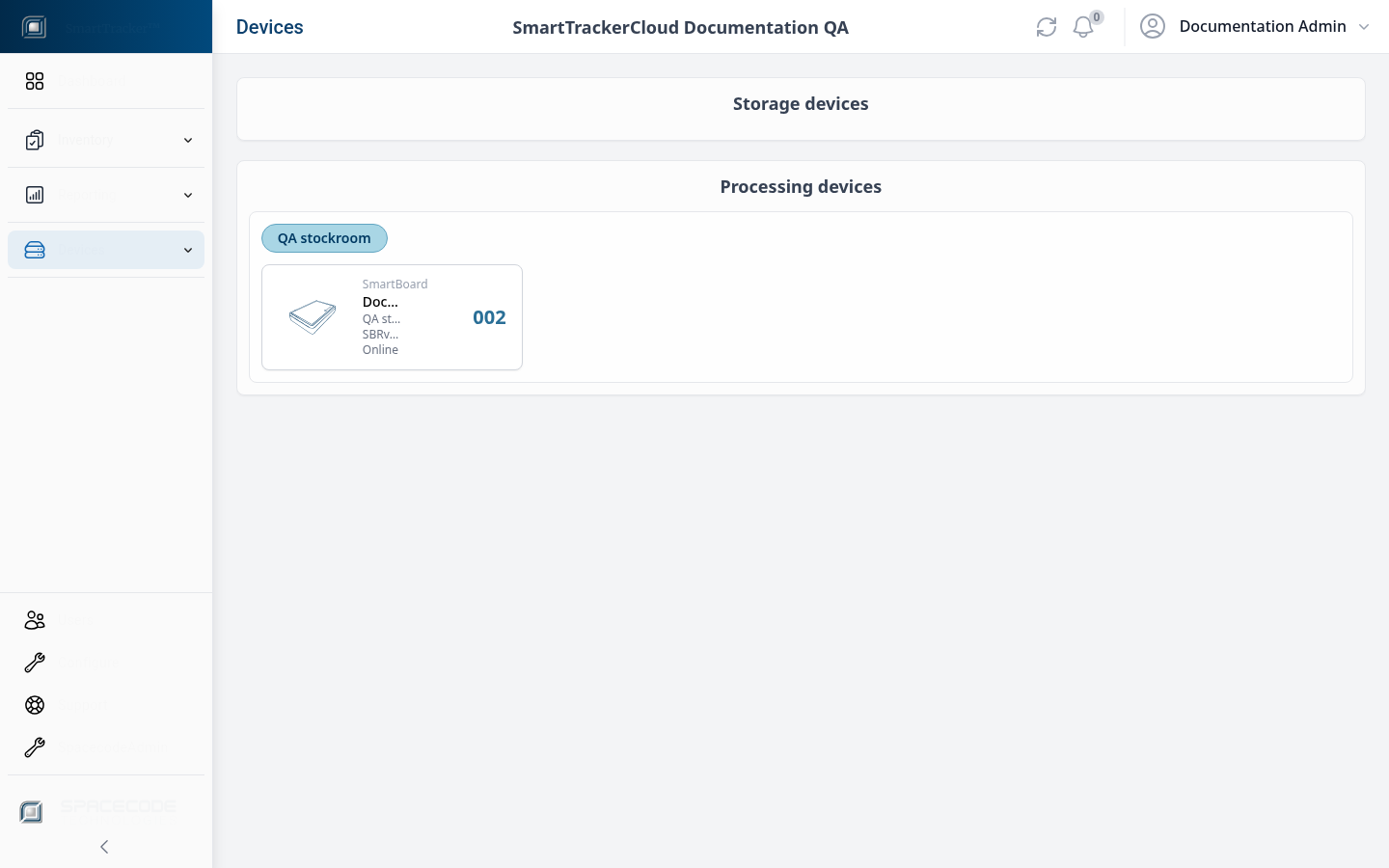
Synthetic SC Board connected to the isolated QA backend.